MFX / urban systems studio

Learn IT where the city becomes the brief.

Mufexavi is a practical school for people who want to read a complex system, make it legible, and build the digital routes that keep it moving.

01

Small, structured learning routes through data, cloud operations, web systems, and service design.

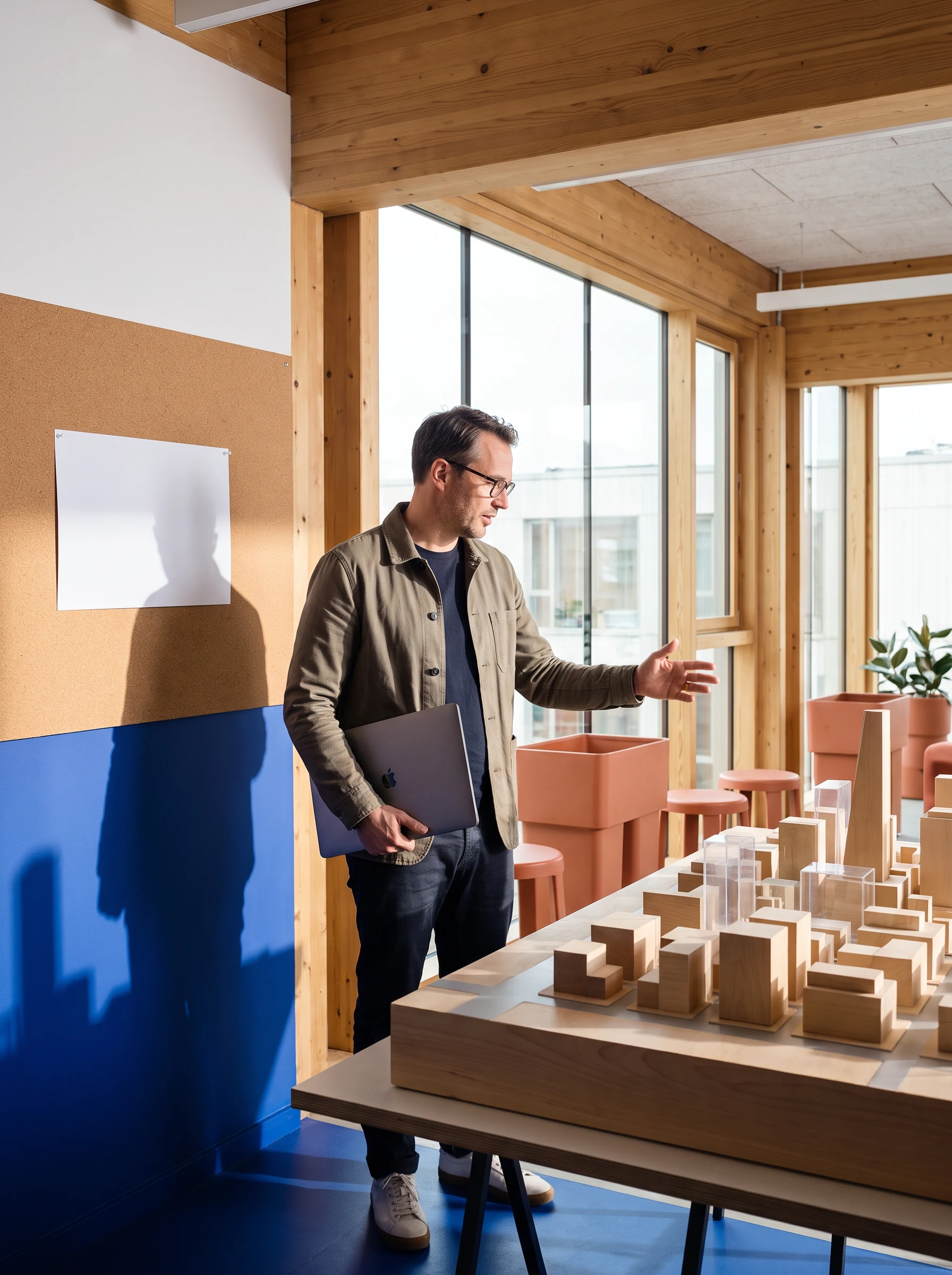
A learner working beside a model city and laptop
Studio view / making systems visible
A01
Observe before you build.

Every course begins with a real operating context, not a generic task list.

B02
Make decisions inspectable.

Notes, code, and interfaces should give the next person a clear route in.

C03
Leave a working handoff.

Practice ends with a useful release, guide, or next-step plan you can explain.

02 / city lines

Choose the line you want to keep in service.

Courses are arranged as connected lines. Pick a route to see the working questions, tools, and the kind of practice it supports.

LINE 01 / DATA TRANSIT

Turn observations into a route people can use.

Work from a messy civic-style dataset through a transparent analysis and a simple, readable decision view. The focus is on questions, structure, and responsible interpretation—not just a dashboard finish.

SQL basicsPython notebooksData stories
Check route prerequisites

Keyboard and physical blocks laid out as a working system
Route board / data transit
Terracotta blocks, cable, and keyboard representing course materials

03 / access check

Your field permit starts with what you already carry.

There is no assumed professional title. Bring curiosity, a device you can work on, and enough time to make a small thing carefully. Each line has a clear entry note so you can choose an honest starting point.

Basic kitReliable laptop, current browser, and a way to take notes.
Starting pointComfort with one route is useful; it is never treated as a gate.
Working rhythmPlan focused studio time for experiments, reading, and revision.

04 / street labs

Four kinds of practice, built into the blocks.

Studio sessions alternate between focused individual work and shared inspection. You will be asked to show your reasoning as well as your result.

A team collaborating around a table with laptops and models
LAB 01

Map room

Translate an unfamiliar brief into actors, signals, constraints, and questions worth testing.

LAB 02

Build bay

Use small code exercises to turn an idea into a working, inspectable prototype.

Ask about format
LAB 03

Signal table

Compare system behavior, name the weak links, and make a safe adjustment.

Try calibration
Facilitator and learners around a table with maps and laptops
LAB 04

Review counter

Share a decision record and receive concrete questions before the next release.

Hands arranging cards and blocks next to a keyboard
Signal table / a small change has a system effect

05 / interaction station

Calibrate a traffic signal.

Try the studio rule: make a setting, observe the implication, then write the decision down. This small control changes the balance between flow and crossing time in the example intersection.

8 sec / faster vehicle cycle36 sec / more crossing time

Balanced setting: space for a clear crossing window while keeping the main route moving.

An instructor standing beside a carefully constructed architectural model
Ledger entry / field observation

06 / city ledger

Systems leave traces. Learn to read the useful ones.

In the Mufexavi ledger, a number is never separated from its source, context, or owner. The table below is a teaching prompt, not a performance claim.

OBSERVATIONQUESTIONCHECK
Service requests cluster after 17:00Who needs an alternative channel?Time window + access note
Form exits increase at one stepWhat instruction is missing?Plain-language review
Alerts arrive without a named ownerWhat is the escalation route?Runbook handoff
Bring a question to the clinic

07 / planning desk

Bring a learning route. Leave with the next junction marked.

The planning desk is a low-pressure conversation for people choosing a course line or untangling a practical question. We will talk about your starting point, the kind of work you want to understand, and an appropriate first experiment.

01Name the system. Describe the kind of digital service, tool, or team context you want to explore.
02Find the current edge. Identify what feels hard now: data, interfaces, deployment, or keeping work running.
03Choose a first block. Select a course line and a paced way to enter it.
Book a planning note
A person arranging notes at a desk with a laptop and small blocks
Planning desk / start where you are

08 / project issuance board

A project brief is a public promise to make something clear.

Projects are issued as bounded design-and-build prompts. They are deliberately small enough to finish, document, and discuss.

ISSUE / 01

Wayfinding form

Design a simple web flow for a request that currently confuses its users.

  • Map the steps
  • Build the interface
  • Write a handoff note
ISSUE / 02

Signal ledger

Turn a small dataset into a decision view that shows how it was made.

  • Check the source
  • Structure the record
  • Explain the limitation
A green glass marker, cable, and wooden blocks on a plinth
ISSUE / MATERIALS

Tools are only useful when their connections are visible.

A warmly lit night workspace with laptop and city view
Street opening / work released into the real world

09 / street-opening handoff

Close the studio loop with a handoff another person can actually use.

At the end of a learning block, you do not just save a file. You practice opening it: what it does, why the choices were made, what is unresolved, and where someone else should start.

1 Show the route2 Name the limits3 Pass the map on
Request your field permit

10 / questions desk

Answers before you enter the grid.

Our answers are intentionally practical. If your question needs a more specific route, use the field-permit form below.

No. Mufexavi courses are designed around clear entry notes rather than assumed credentials. Some lines begin with everyday digital confidence, while others are better for people who have already tried a little code or data work. We will help you identify a sensible starting block and explain what to prepare before the studio begins.

It means we use the logic of a city to make technical work easier to understand: routes, signals, services, records, and handoffs. You will still learn practical IT concepts and tools, but the activity is framed around a system people rely on. This gives your decisions a context and makes the reasons for documentation, testing, and accessibility more concrete.

We do not make employment or outcome promises. When a course includes an attendance record or project summary, the details are stated clearly in its individual course information. The main value of the studio is the work you can describe: a considered exercise, an explainable decision process, and a handoff you can share when discussing what you have learned.

Use the field-permit form to send only the contact information and learning context needed for a reply. We use that information to respond to your inquiry and to plan an accessible conversation where appropriate. Please avoid sending sensitive information through the form. Our Privacy page describes the general approach, and you can contact us to ask for clarification before sharing details.

11 / field-permit contact

Tell us which corner of the system you want to explore.

Send a short note. This browser-only form will confirm that your field permit request is ready to be reviewed; it does not send information to a server.

GENERAL DESK[email protected]